 WLAN Commander
WLAN Pi Plus
A Kali-based image with the WLAN Pi software stack and wireless tools for Raspberry Pi 4, CM4, and Pi 5.
Ethernet / SSHWi-Fi adapter determines band supportImage download being prepared
Explore WLAN Pi PlusWLAN Commander connects your Android phone, iPhone, or iPad to an external Wi-Fi sensor. Explore nearby networks, inspect Passpoint services, and collect captures wherever the work takes you.
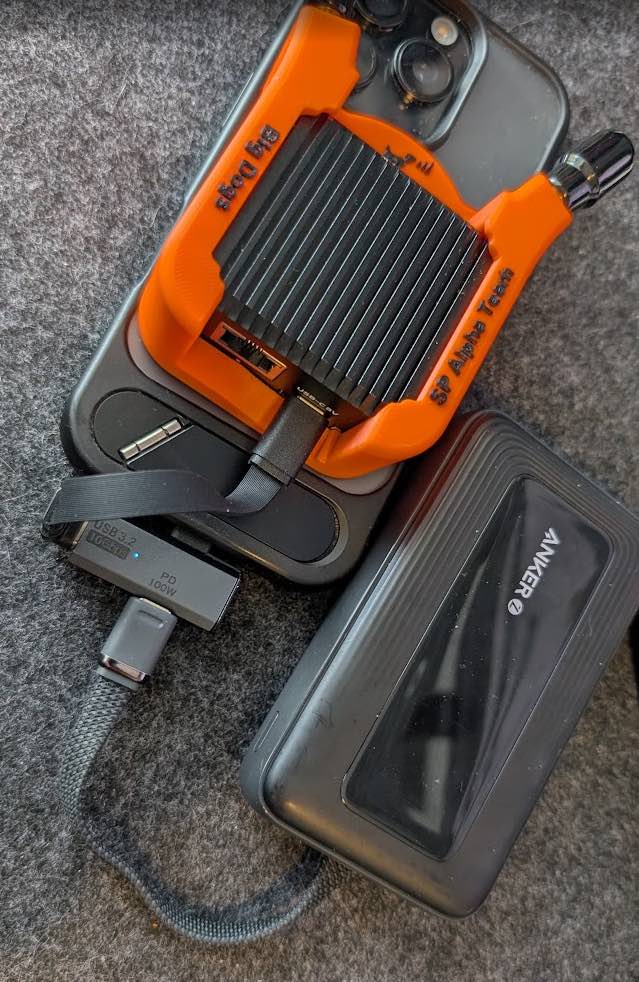
Choose the image for your board. Radio capabilities depend on the sensor, Wi-Fi adapter, and local channel rules.
A Kali-based image with the WLAN Pi software stack and wireless tools for Raspberry Pi 4, CM4, and Pi 5.
A compact capture sensor with an M.2 Wi-Fi card. An Armbian image with Wi-Fi 6E and Wi-Fi 7 driver support.
A small dual-band sensor that sends Wi-Fi observations straight to the app over Bluetooth LE.
Connect a sensor, choose its radios, and start a scan. WLAN Commander brings network observations, client activity, packet capture, and Passpoint discovery into one app.
Live Wi-Fi capture uses an external sensor. Your phone provides the interface; available tools depend on the hardware you connect.
Android 8.0 or later
Beta · FirebaseConnect to Linux sensors over SSH or ESP32-C5 boards over Bluetooth LE. Current testers install updates through their Firebase App Distribution invitation.
iOS / iPadOS 17 or later
Beta · TestFlightControl your sensors, review observations, and export captures from iPhone or iPad. Current testers install updates through their TestFlight invitation.
Public beta enrollment links will appear here when available.
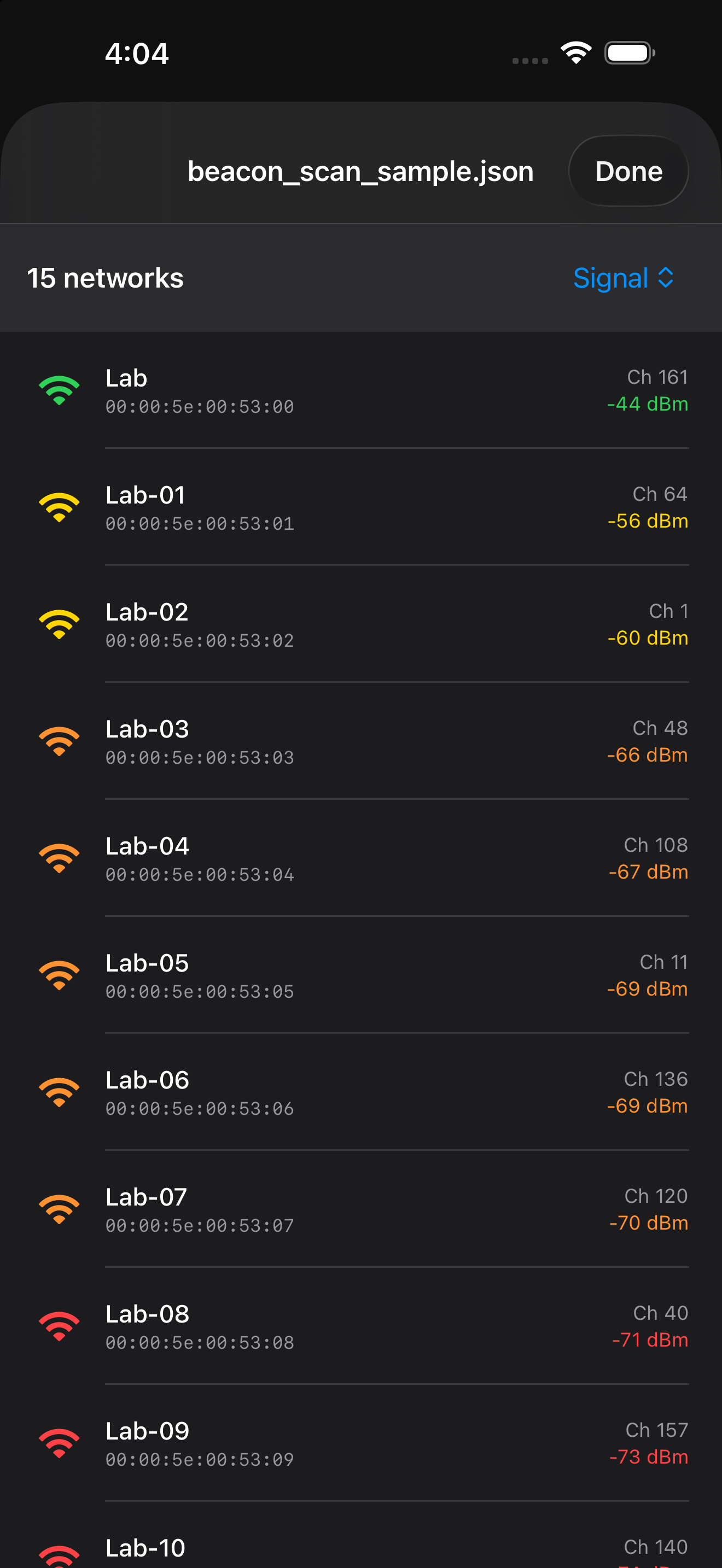
See network names, channels, security, and signal levels from your connected sensor.
Explore advertised hotspot services and ANQP responses on supported sensors.
Save packet captures for further analysis, including workflows with PCAPAI.
Write the matching Linux image to its storage, or flash ESP32-C5 firmware over USB. Each sensor page has its own setup instructions.
Put your Linux sensor on a reachable network and connect with SSH, or discover your ESP32-C5 over Bluetooth LE.
Select the sensor and radio, choose the scan channels, and start. The app displays observations as they arrive.