A phone and a sensor work together
The sensor supplies the Wi-Fi capture radio. WLAN Commander connects to it, configures the supported operations, and presents the observations on your phone. Linux sensors connect over SSH; ESP32-C5 boards use Bluetooth LE. Other supported equipment has its own connection protocol.
Start with the hardware selector, or check equipment you own against the compatibility reference. The unified image supports five Linux board profiles; ESP32-C5 and Mudi 7 use separate setup paths.
Prefer standalone browser tools? The unified sensor has a local device website for supported tests and management. It does not require a mobile-app invitation, and its controls do not yet have complete app parity.
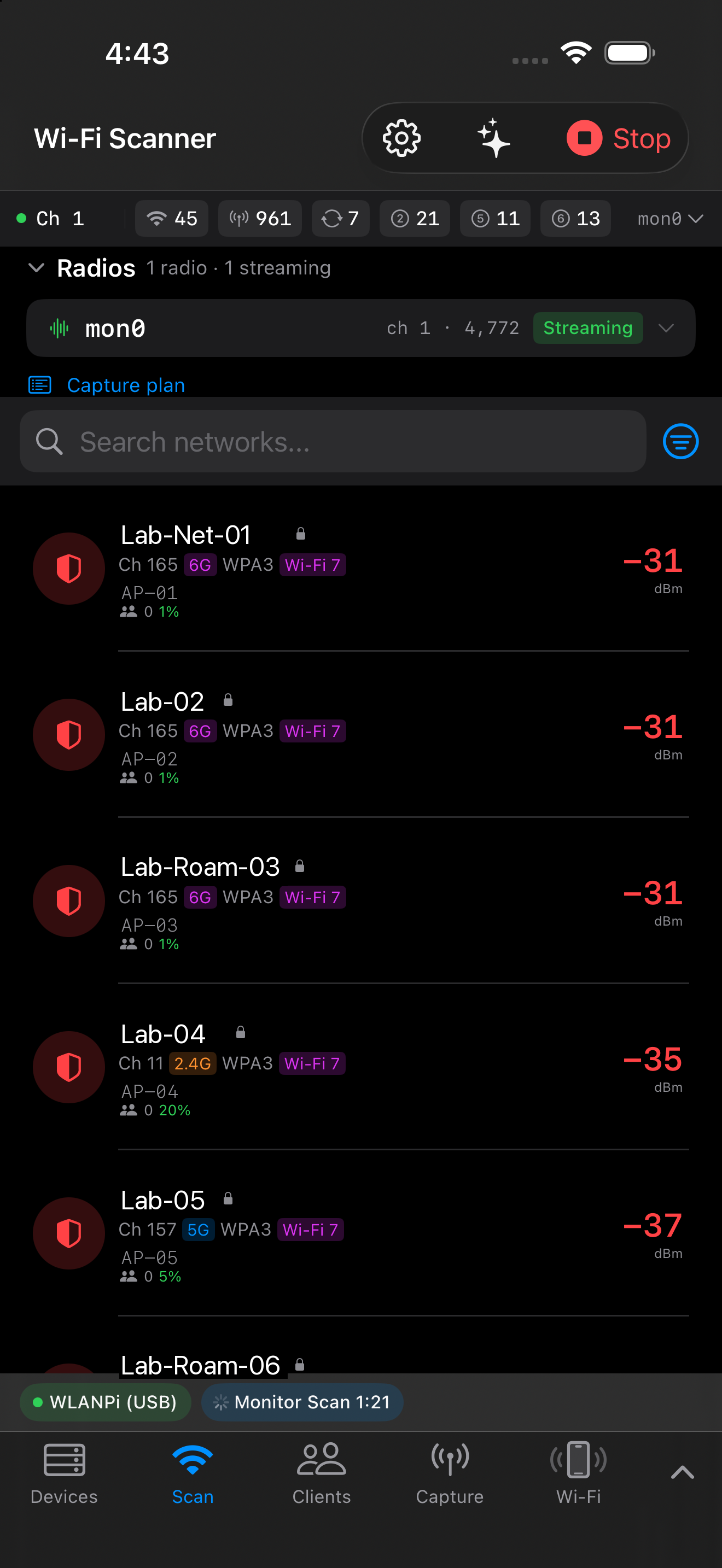
Discover networks and clients
Explore networks, signal levels, channels, security, and advertised capabilities. Client observations depend on the frames the sensor hears: a quiet client may not appear, and channel hopping only observes each channel while the radio is there.
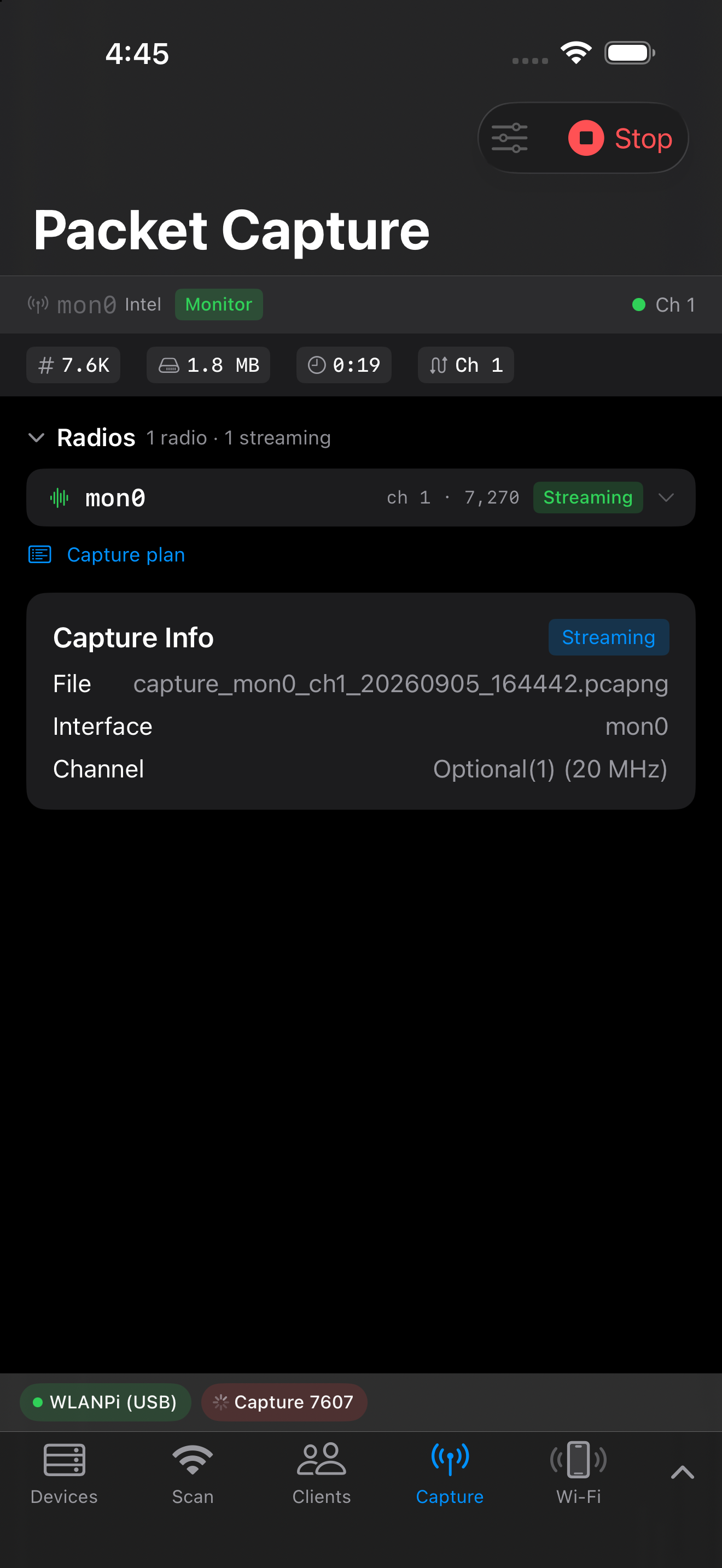
Plan and record captures
Select the connected device, radio interfaces, channels, and supported widths. On supported configurations, multiple radios cover different channels. The resulting capture carries context for later analysis; available recording modes depend on the sensor and app build.
Capture with one or more radios →
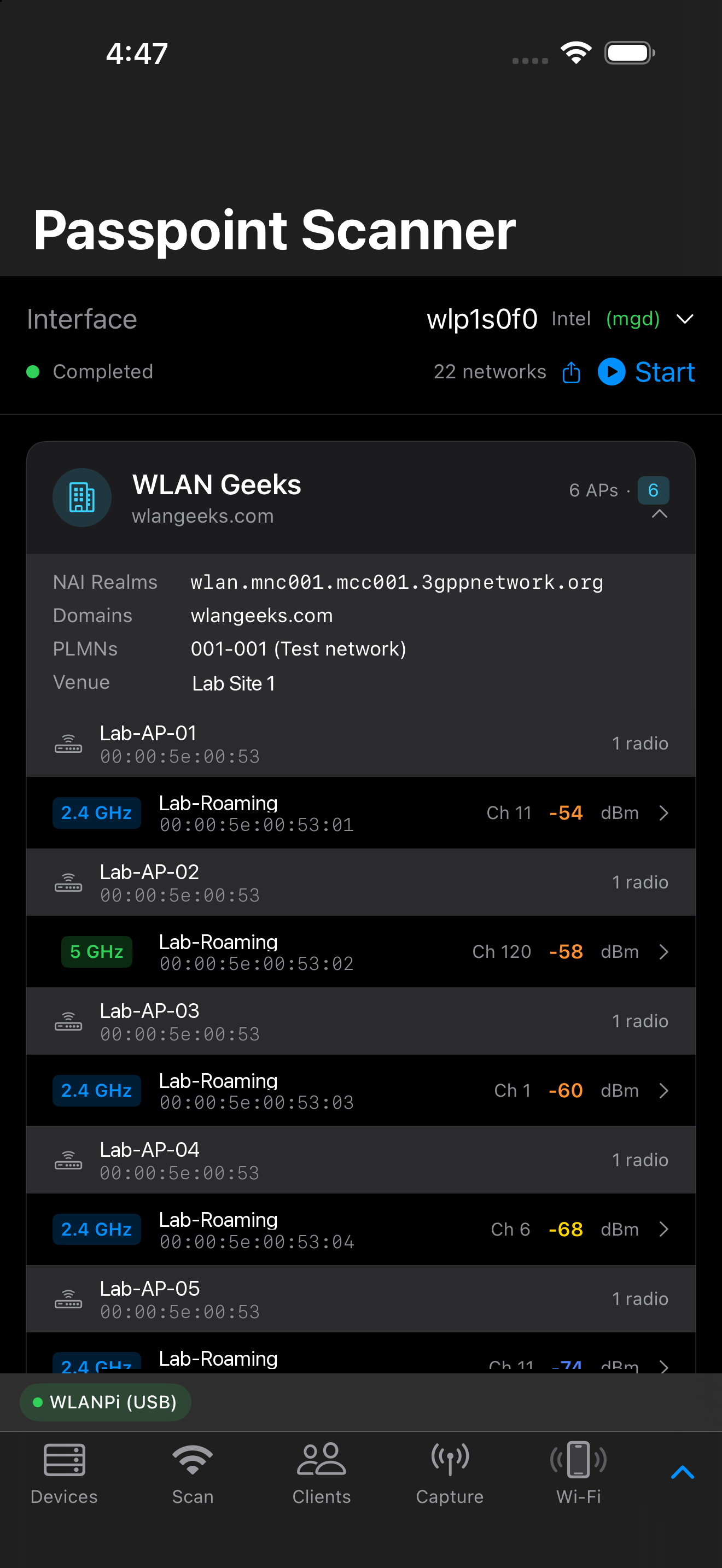
Inspect Passpoint services
Discover Hotspot 2.0 advertisements and use ANQP queries to resolve provider information such as realms, roaming consortiums, domains, PLMNs, and venue details. Support depends on the sensor and firmware. A missing reply is not evidence that a service does not exist.
Work with position, surveys and imported evidence
The apps include location and reporting tools. iOS additionally supports workflows such as importing a sysdiagnose archive and, on supported hardware, scanning room geometry. These are distinct from capturing Wi-Fi directly on the phone.
Location Readiness presents a reconstruction from observable inputs. It does not place calls or certify emergency-service performance. Its protected data stays on the device.
Surveys, location and diagnostic imports →
Keep your files useful
Save captures and reports, inspect them locally, and export the files you choose. Continue packet analysis in tools such as Wireshark or PCAPAI.
Android and Apple platforms
| Android | iPhone & iPad | |
|---|---|---|
| Minimum OS | Android 8.0 | iOS / iPadOS 17 |
| Current distribution | Firebase beta signup | TestFlight beta signup |
| Linux sensors | SSH over a reachable network | SSH over a reachable network |
| ESP32-C5 | Bluetooth LE | Bluetooth LE |
| Permissions | Nearby devices/Bluetooth and location as required by OS and workflow | Local Network, Bluetooth and location as required by workflow |
| Platform-specific tools | Android Wi-Fi and device capabilities vary by OS and hardware | Sysdiagnose import; room scanning requires suitable hardware |
The shared analysis core does not make every platform screen or operating-system capability identical. Follow the Android guide or iOS/iPadOS guide for installation and platform details.
Try it before connecting a sensor
The iOS app includes clearly labeled sample network and capture files under Files › On This Device. These demonstrate the analysis views without publishing anyone’s real wireless identifiers. Native connection and location tools can also provide useful information without a capture sensor; they do not turn the phone into a monitor-mode radio.
Get access
Join the mobile beta with the links or scan a QR code on your phone. Android testers enter their own email through Firebase; iPhone and iPad testers join through TestFlight.
Android
Firebase App Distribution · Android 8.0+
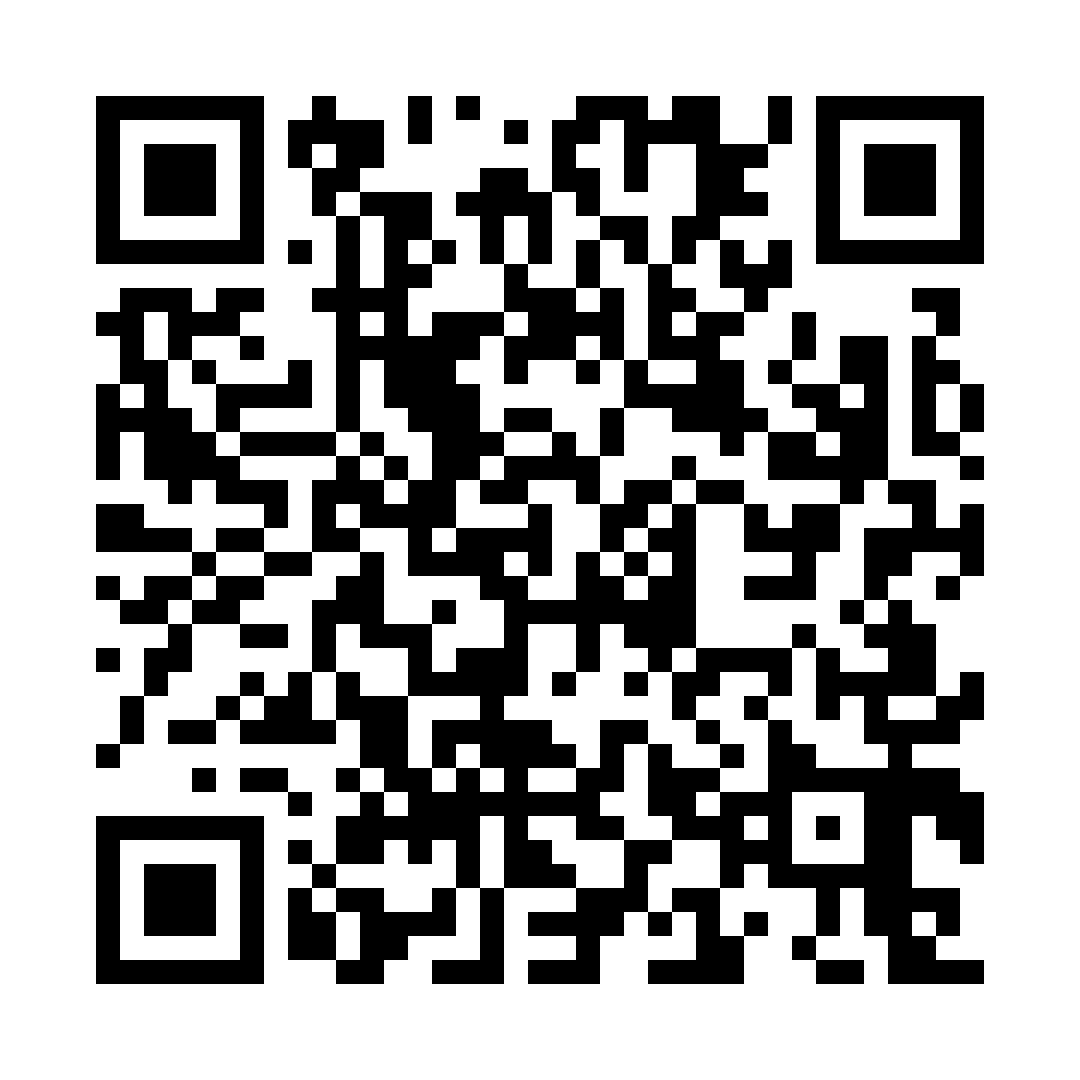
Scan with your phone or open the link below. Enter your own email, then follow Firebase’s instructions to install the app.
Join the Android betaiPhone & iPad
Apple TestFlight · iOS / iPadOS 17+
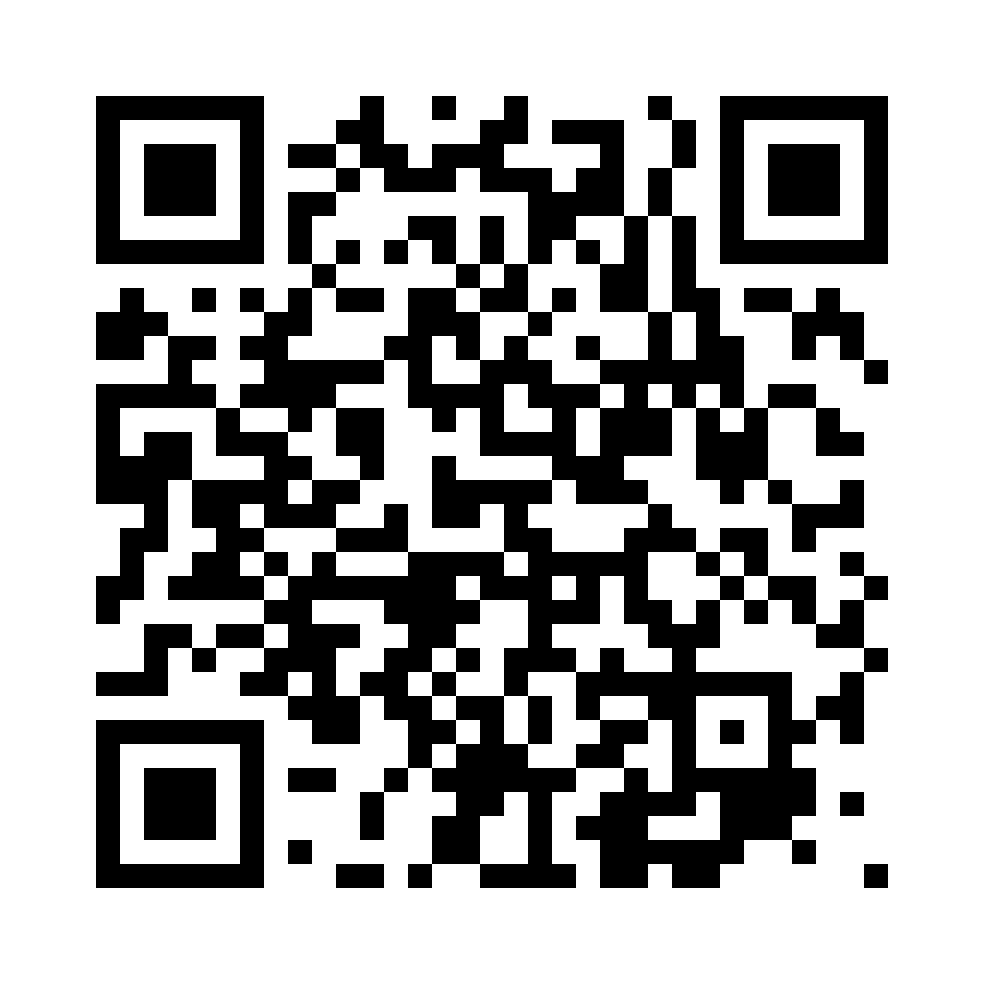
Scan with your iPhone or iPad, or open the link below. Install Apple’s TestFlight app and join the WLAN Commander beta.
Join with TestFlight