Downloads
Get the right download.
Choose app access, a first-install image, an OTA update or sensor firmware.
Get the app →
Join the Android, iPhone or iPad beta.
Install or update a Linux sensor →
Factory for first installation; OTA for an existing unified image.
Flash ESP32-C5 →
Use the USB installer for this separate firmware.
See what changed →
Every published sensor release, newest first.
Mobile apps
Join using the links or QR codes below. You can sign yourself up; there is no need to email us for an invitation.
Android
Firebase App Distribution · Android 8.0+

Scan with your phone or open the link below. Enter your own email, then follow Firebase’s instructions to install the app.
Join the Android betaiPhone & iPad
Apple TestFlight · iOS / iPadOS 17+
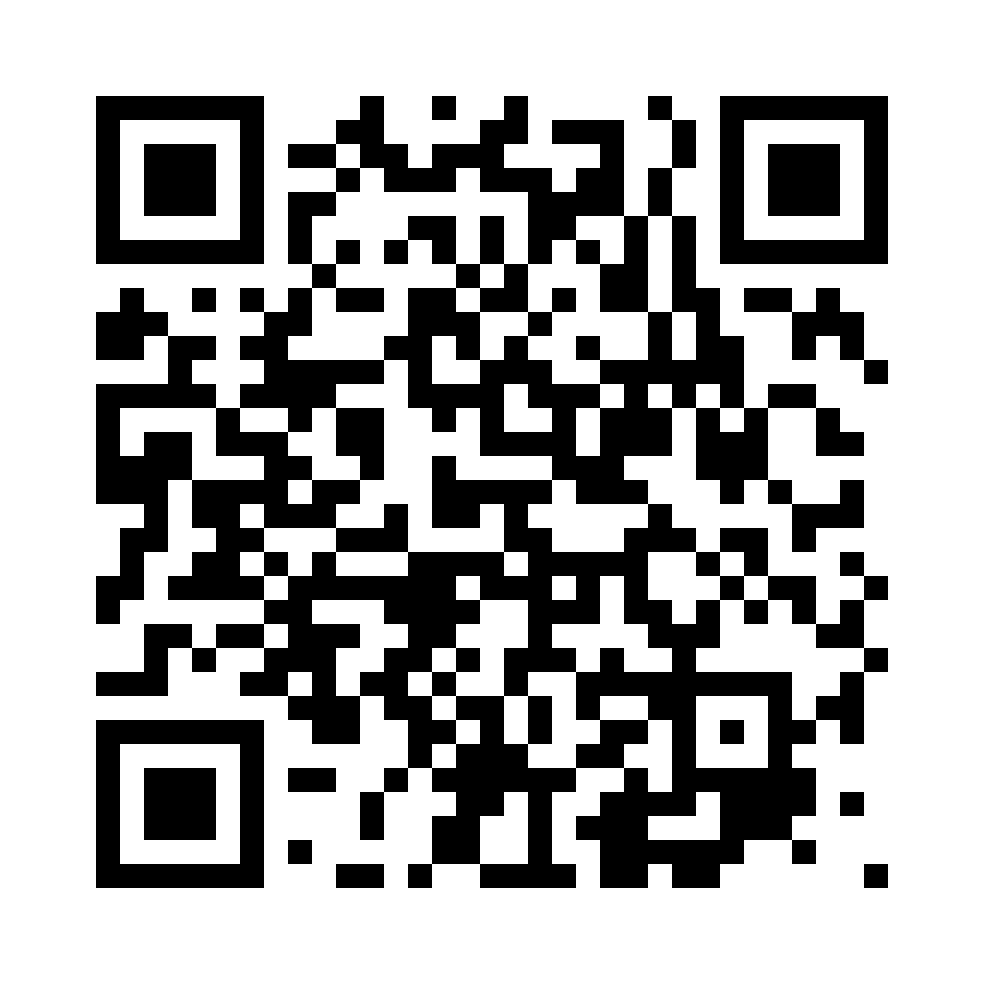
Scan with your iPhone or iPad, or open the link below. Install Apple’s TestFlight app and join the WLAN Commander beta.
Join with TestFlightThe unified image and its standalone website are public beta downloads; you don't need a mobile-app invitation to use the sensor's local website.
One factory image for NanoPi Zero2, Raspberry Pi 4 and 5, WLAN Pi Pro and Go. Flash the factory image for first installation. It erases the target storage; Data expands on first boot. Installation and hardware guide · Release notes and known limits · Changelog Factory compressed image SHA-256 The separate OTA file preserves Data on an existing unified A/B installation. Do not flash it onto a blank card or an older WLAN Pi image.Unified WLAN Commander image
a9dba204ce1a45112143d4e51334e22e5eab9e391da4083aed0698e93f358238
Flash an ESP32-C5
This firmware is separate from the Linux image. Use the complete USB installer for a first flash; the application binary alone is not a complete first installation.
Select screenless 8 MB, 2.8-inch touchscreen 32 MB, or 1.69-inch touchscreen 16 MB. The 1.69-inch build still needs hardware QA. Current release, checksums and source · Features and limits SHA-256 · screenless application binary The September 7 stable BLE sniffer remains an explicit option in the board selector.ESP32-C5 firmware
a0ac569c87fbde4617f5bf9f36e8bf1b2f751d1872718b10cb1394dc3a435a3d
Current firmware, model support and release limits →
Printable enclosures
Cases for one, two or three Seeed Studio XIAO ESP32-C5 boards, with regular and MagSafe options. Choose paired PETG projects, individual base/cap files or the complete 25-file ZIP.
Photos, 3MF downloads and print settings
Mudi 7 capture support
Install the matching router package through the mobile app's Installer, on the validated GL.iNet firmware. It is not a replacement Linux image. Requirements and steps.
Verify before flashing
Compare the complete SHA-256 digest for the exact file downloaded. On macOS use shasum -a 256 filename.img.xz; on Linux use sha256sum filename.img.xz. Compressed and raw images have different hashes. Identify the target card/eMMC carefully: factory flashing replaces its contents.
Release history
What changed in every release is in the sensor changelog. Source and signed assets: Linux release archive · ESP32 firmware source.