Install the TestFlight beta
WLAN Commander requires iOS or iPadOS 17 or later. Install Apple’s TestFlight app, open the WLAN Commander TestFlight invitation, and install the available build. You can also scan the iPhone & iPad QR code on Downloads. Existing testers receive subsequent builds through TestFlight.
Distribution currently uses the TestFlight beta. Get help joining →
Allow discovery and sensor access
Local Network permission lets the Devices screen discover and reach equipment on your network. Bluetooth permission is needed for ESP32-C5 boards. Location permission supports position-aware tools and the Wi-Fi information Apple makes available to the app.
If you denied a permission, review WLAN Commander’s permissions in iOS Settings. A reachable sensor with valid SSH credentials is still required for a Linux capture workflow.
Connect your hardware
For a Linux sensor, use a reachable network address and SSH credentials. NanoPi’s USB-C NCM Ethernet interface can provide a direct link when your phone, adapter, cable and power arrangement support it. Otherwise, reach the sensor over your network.
For a C5 board, flash its firmware from desktop Chrome or Edge and connect in the app over BLE. iOS browsers do not provide the Web Serial API used by the website’s installer.
Explore without a sensor
Open Files › On This Device to find the bundled sample beacon scan and packet capture. They are labeled as samples and use synthetic wireless identifiers. On iPhone, expanding the tab bar reveals additional tools; iPad uses its wider navigation layout.
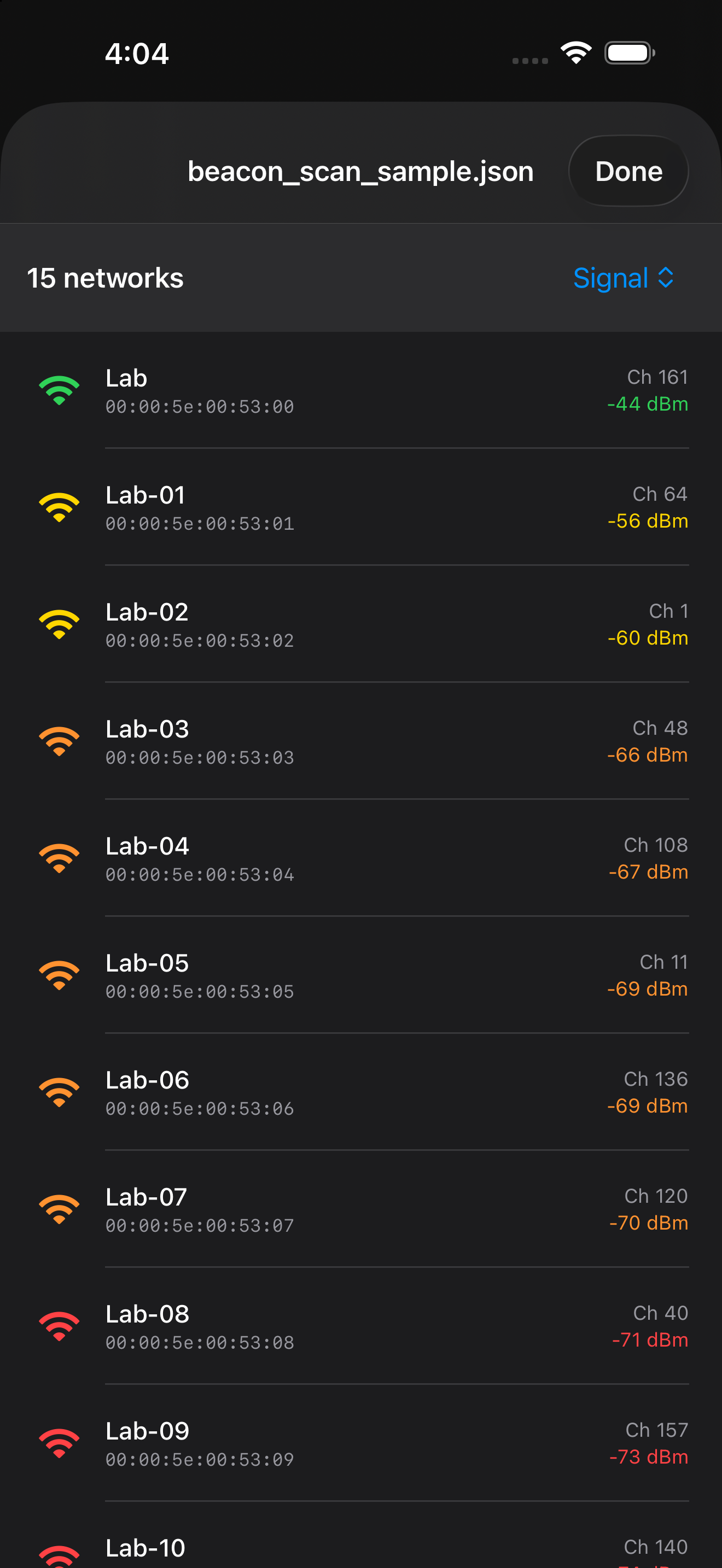
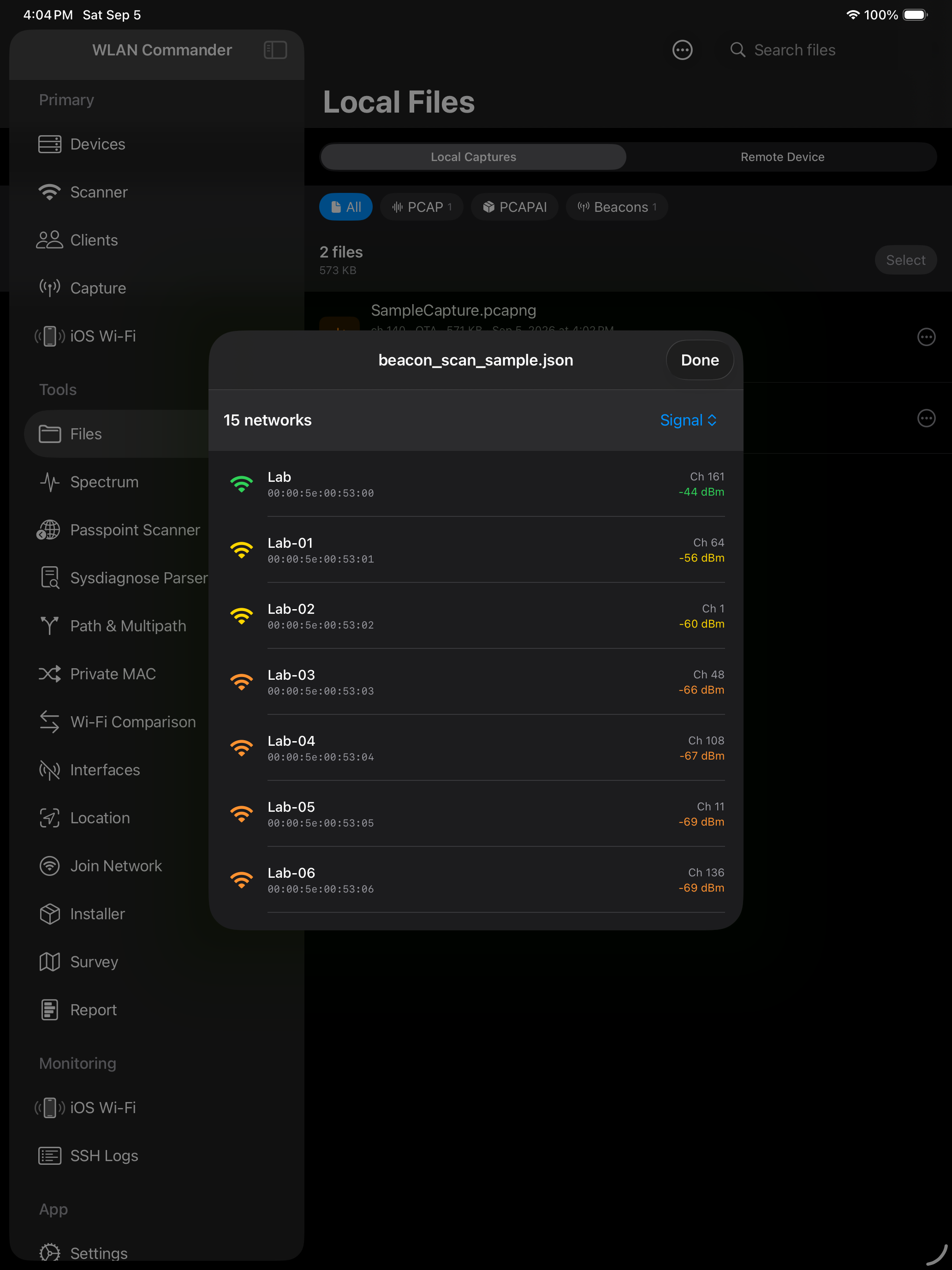
The Wi-Fi view describes the phone’s own connection. Location tools, file viewers and sysdiagnose imports provide standalone workflows. Room geometry scanning requires hardware with the relevant camera/LiDAR capability.
Workflows and limitations
Use scanning to understand the environment, capture to collect packet evidence, and Passpoint to inspect advertised services.
A screen appearing in an internal development build does not establish App Store availability. Internal terminal and diagnostic-profile tools are excluded from the documented public Release experience.
Files and background sessions
Captures, surveys and reports are stored locally. Use the Files and sharing interfaces to move selected files into another tool. Keep related capture-context files with the recording.
A survey or BLE session can involve background operation and location permission. Interrupted connectivity, phone power, or OS scheduling can still affect a session. Verify the final recording and its timing before relying on continuous coverage.